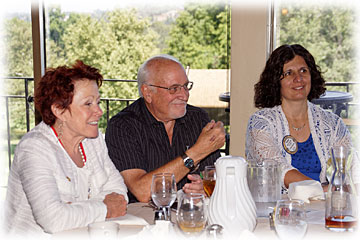
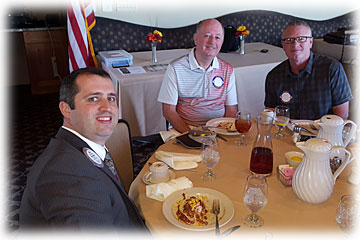
 The Rotary Club of Cameron Park is a group of local leaders in the area that work together to make a difference in our community, and communities around the world. We have fun together and take pride in improving others’ lives. Some of our recent and ongoing projects include:
At convention find breakouts tailored to you
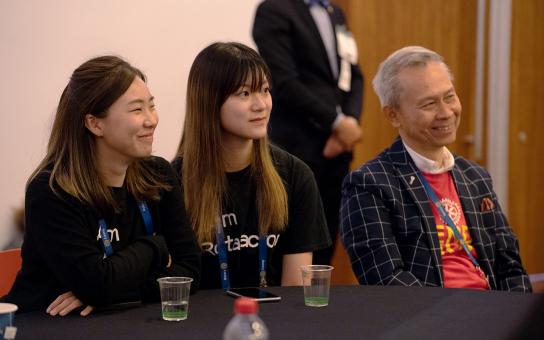
Take away bold ideas about how to improve your club experience, your community, and the world from breakout sessions at the Rotary convention in Singapore.
A labor of love

Supported by a Rotary Programs of Scale award, an initiative in Nigeria seeks to remedy the country’s high instances of maternal death
Rotary projects around the globe April 2024
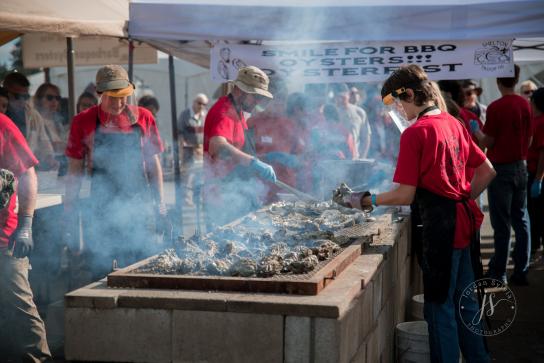
Learn how Rotary clubs are taking action in the United States, Suriname, Macao, Nigeria, and Australia.
Heat is on for urban planners
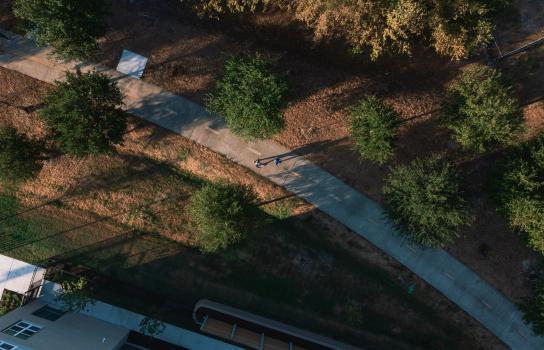
As temperatures rise, cities transform heat islands with tree cover, “cool pavement,” and other adaptations.
Food of the future
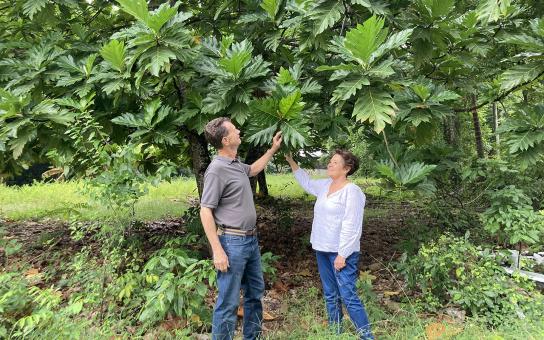
Breadfruit, a starchy fruit long a staple in the tropics, is attracting new interest globally as farmers and scientists search for crops that are hardier while still nutrient dense.
| Join in for friendship, fun, while making a difference in our community | Find us on Facebook |
| Cameron Park Country Club
P. O. Box 366
Cameron Park, CA 95682
   |
.png)